Paris Motor Show – Mixed Reality
A simple app using MRTK for displaying motors in Mixed Reality(MR).
MRTK
MRTK is a toolkit developed by Microsoft in order to accelerate the development of Hololens app in Unity. In this toolkit, some pre-made UI tool provide a coherent visual effect as well as powerful functionalities. Besides, the profile in MRTK is used to configure the settings.
welcome dialog
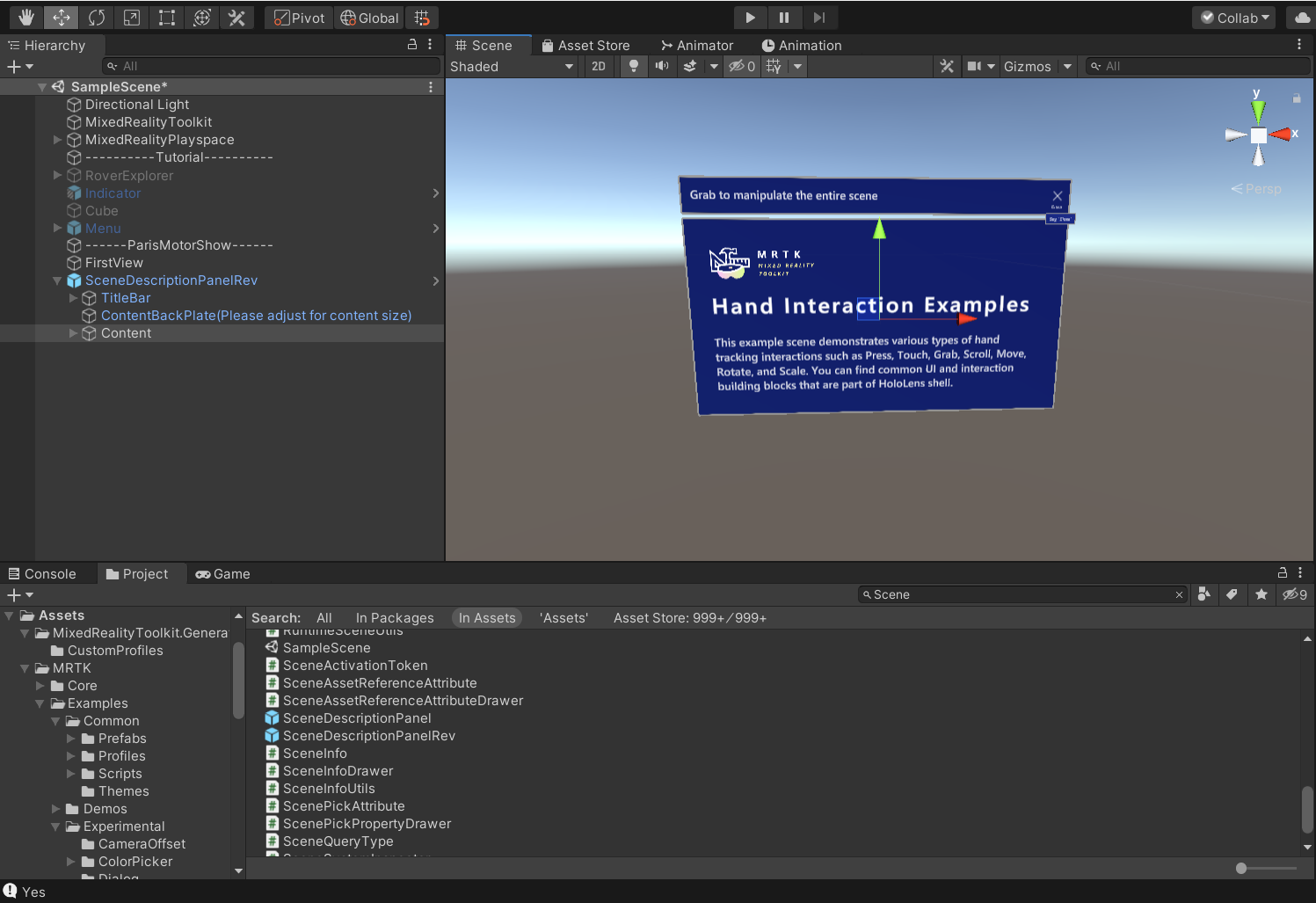
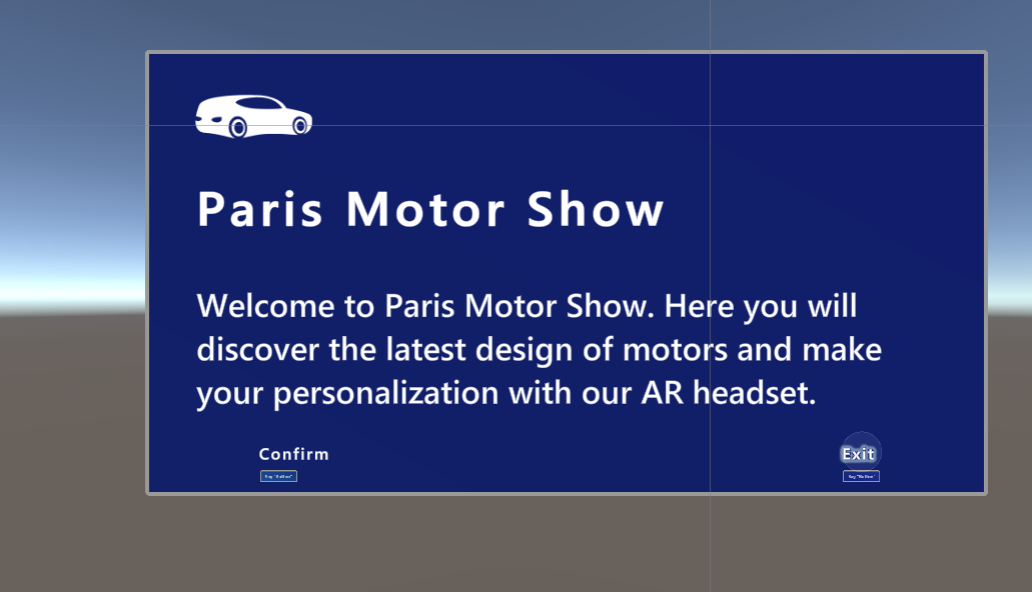
The app starts with a welcome dialog. To do so, I used the dialog prefab from MRTK and put it inside the scene. The event system is like Unity’s event system, which allows us to trigger a script of a gameobject selected.
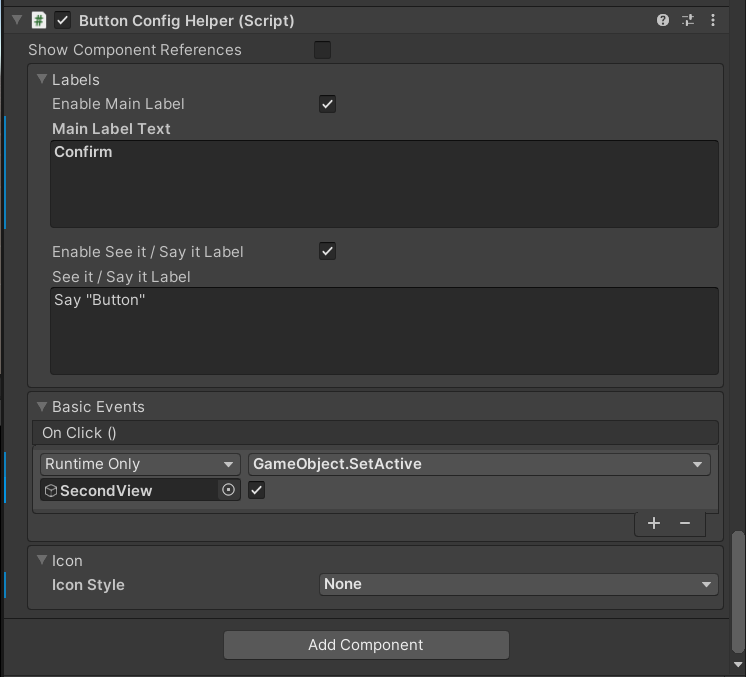
The buttons are set so that if we confirm it, we can access the second view.
preference dialog
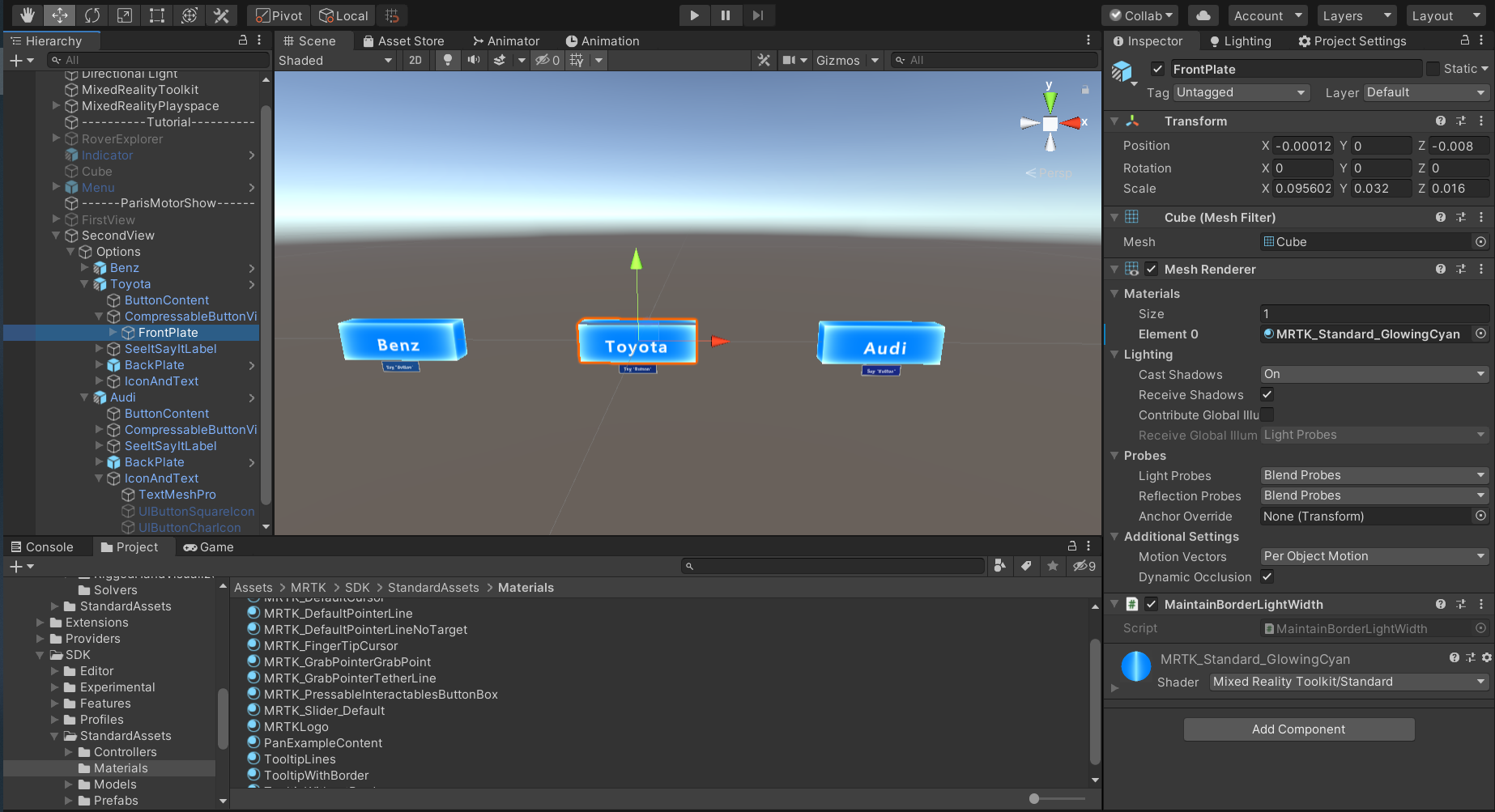
The user can choose among options a mark of car which interests me, this selection will allow him directly move to the place in front of a car of this mark. In real world, the position and rotation is controlled by headset. In this simulator, we can modify the properties of camera to make it move.
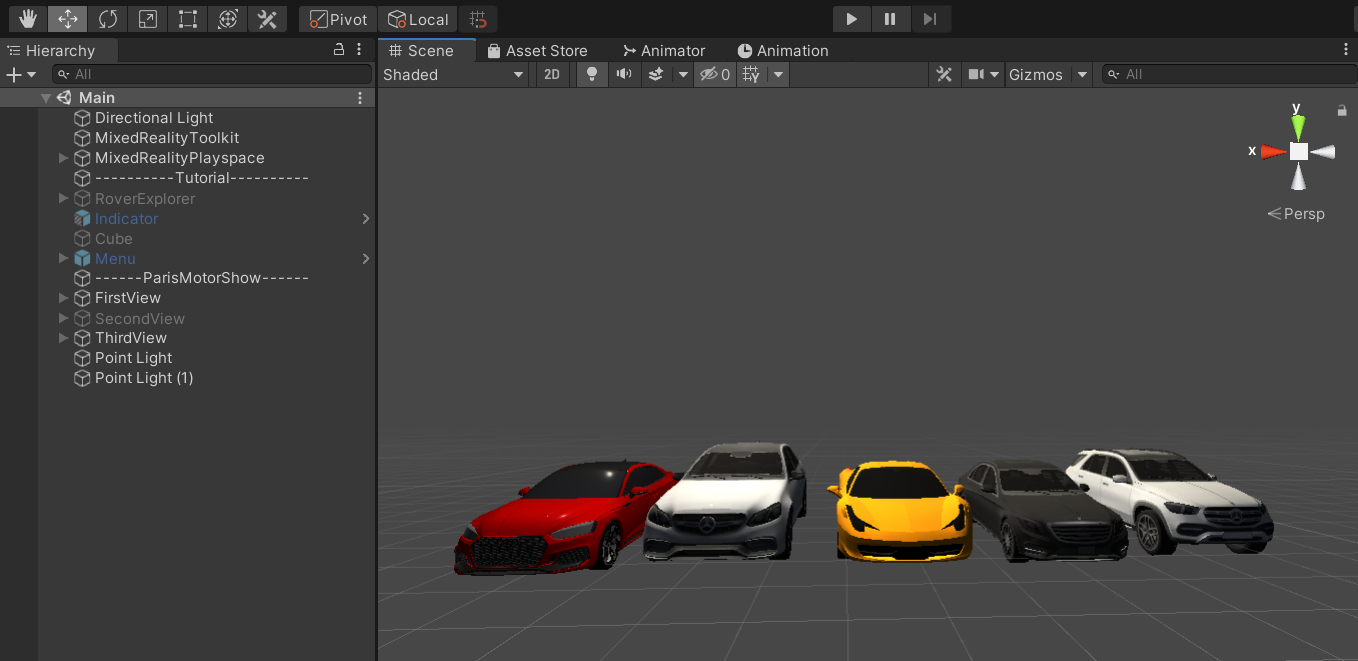
importation of car models
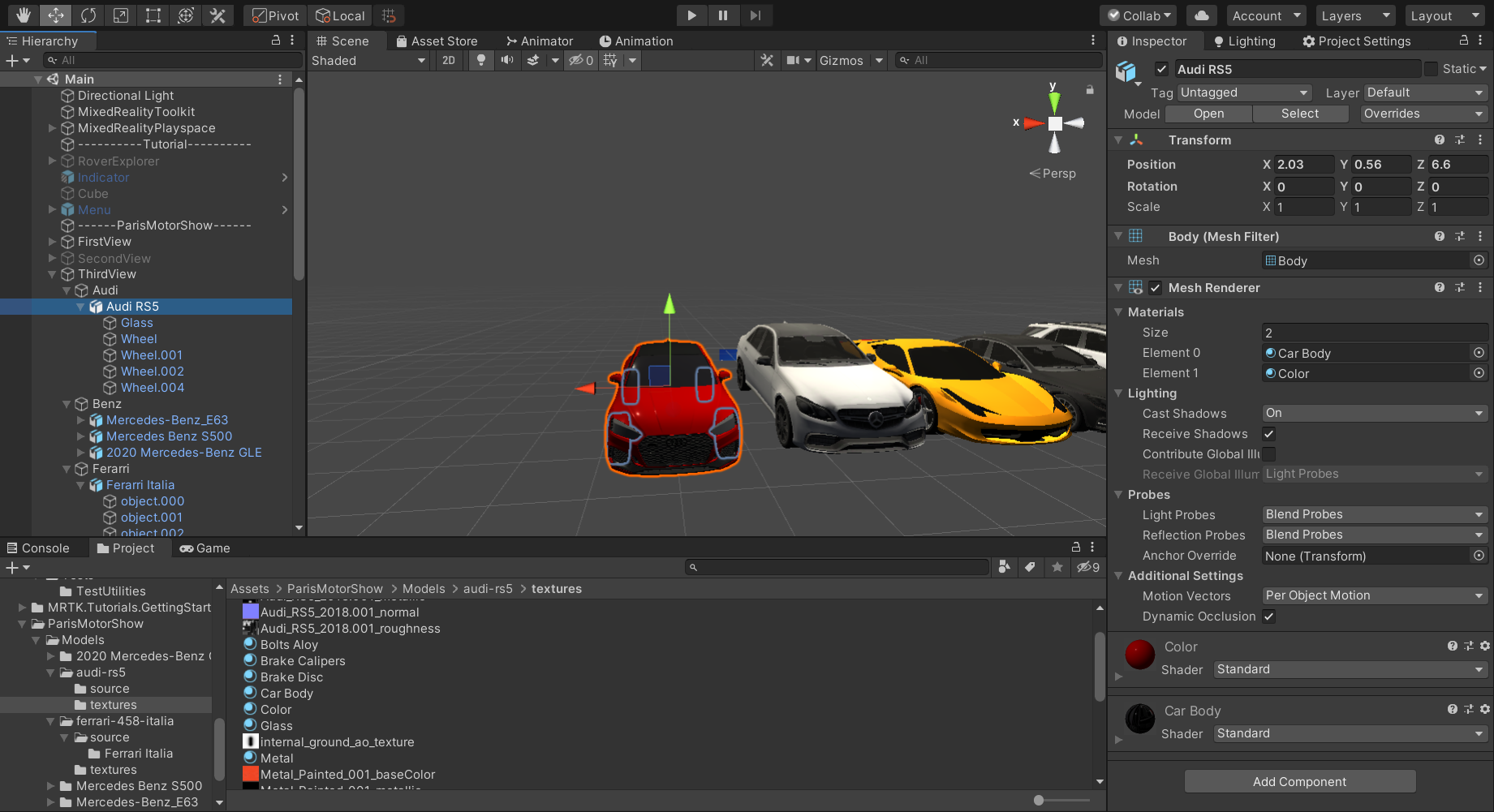
On sketchfab.com, I found some car models and imported into the project. I extracted an material to control the color of car body, so that I can change it later, by setting the properties of this material.
Sometimes the user will get lost in the scene. I put an indicator which will display the direction when the avatar is far from main scene. This is a prefab from MRTK.
color button
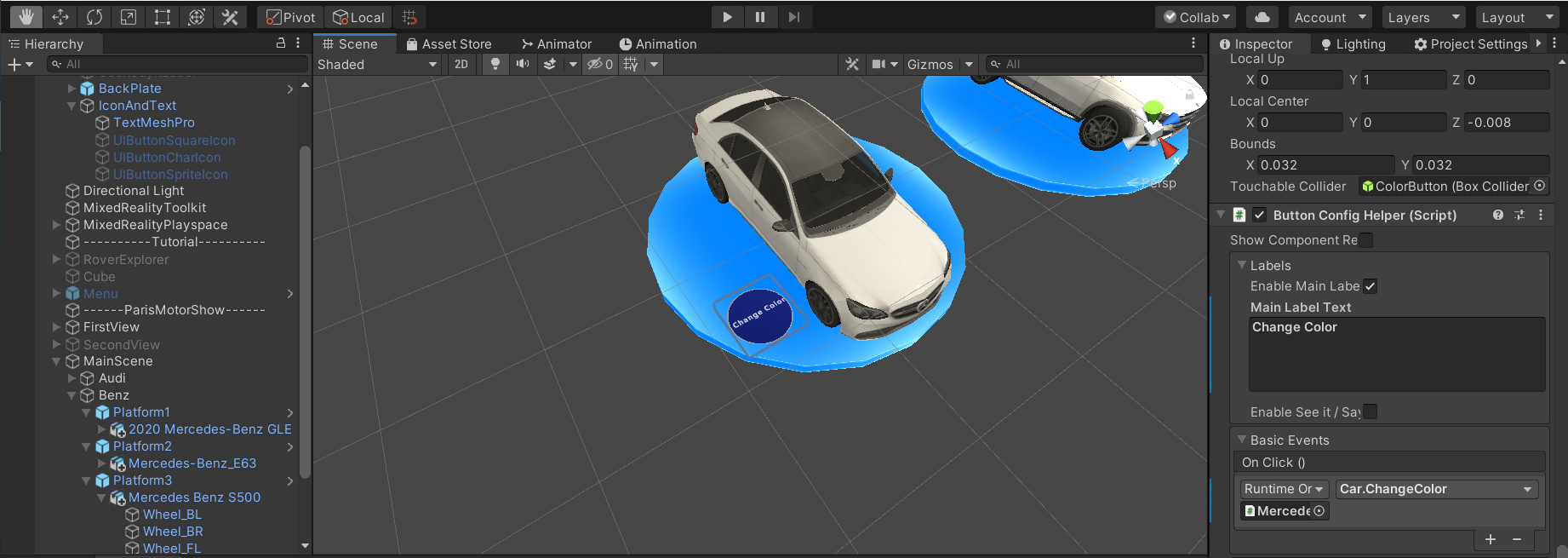
The physical button prefab of MRTK have a sound and touch feedback when we press it. By writing a custom script, the color changing function can be triggered once the button is pressed.
title and information
In order to show the brief information and detail one, I used simple 3D text and tooltip of MRTK, as well as a dialog box when user is close and would like to know more. I put blue platforms for car, and put the 3D text onto them. When we gaze at a car, we can see the specific model of that car.
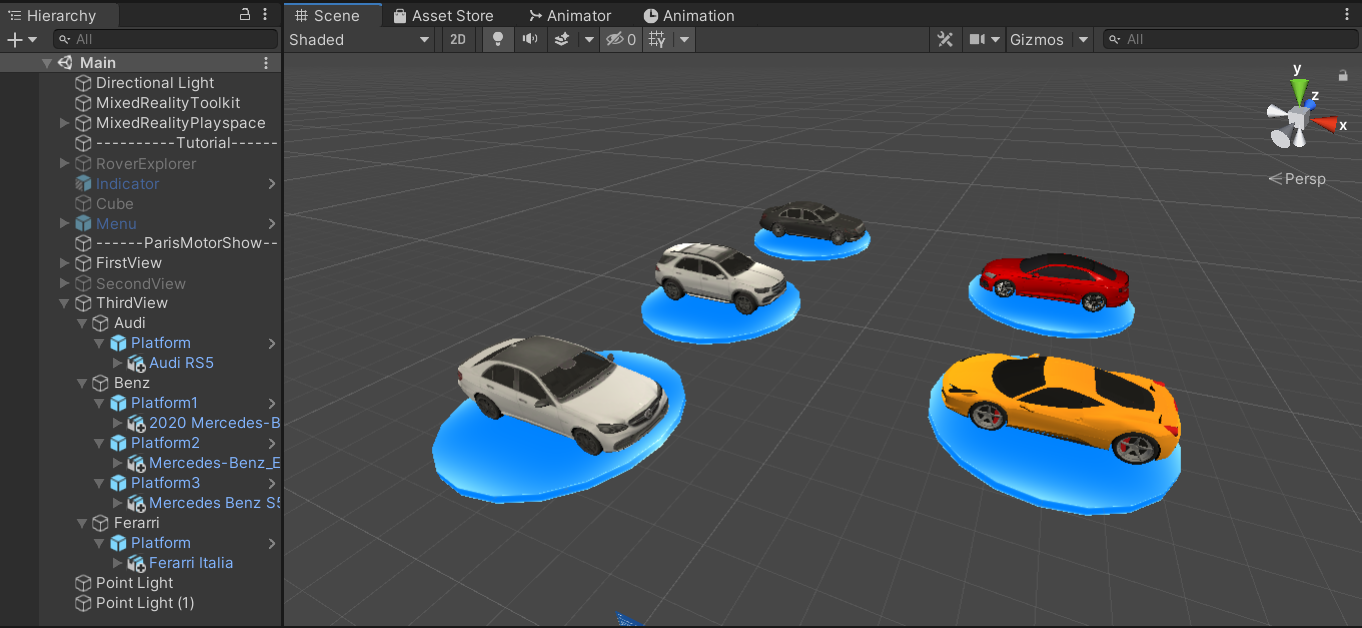
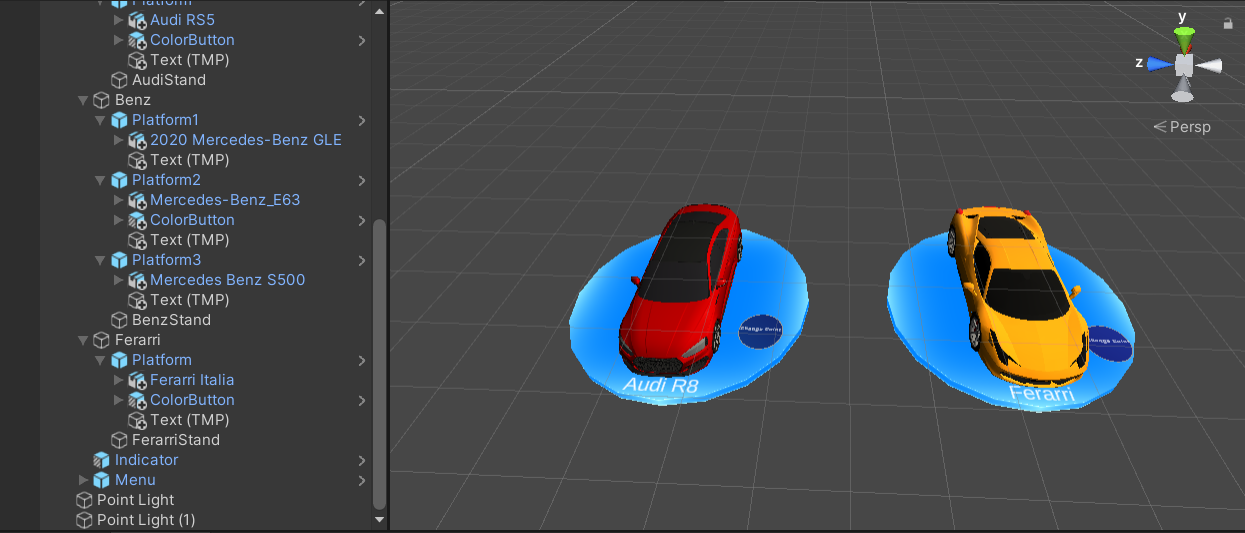
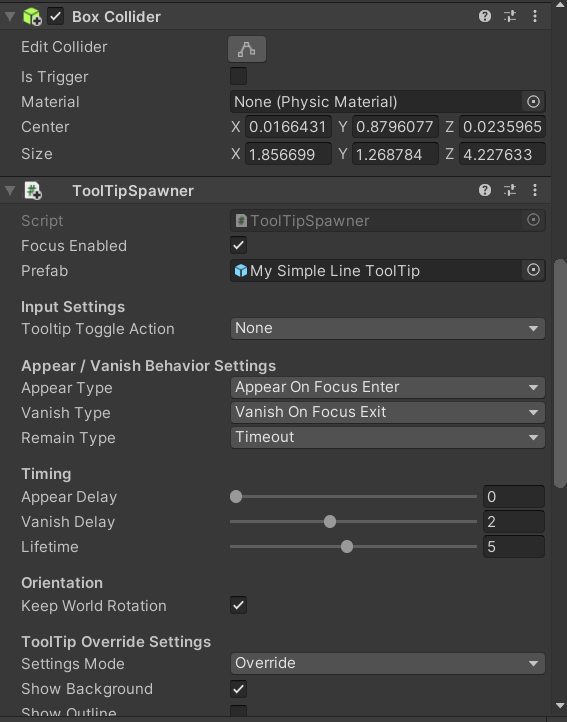
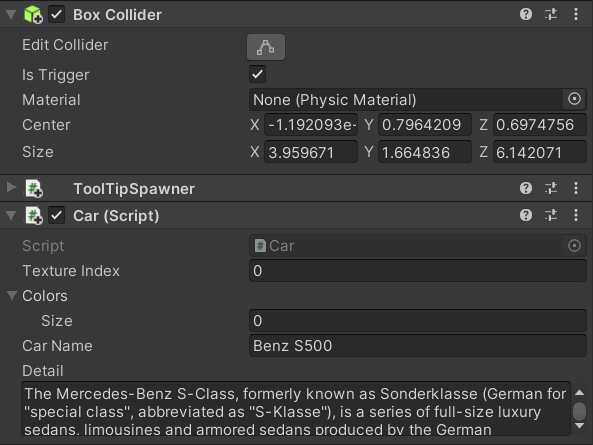
The mechanics of the information dialog used the collier in Unity. It is only when the user is close enough of the car, the info button will appear and charge in the corresponding information of car.
rating
At the end of this visit, the app will ask user for a rating. The source code can be found here. Below is a demo video.